Find, charge and pay with the eCharge+ app
Use eCharge+ to find public and semi‑public EV charging stations, start a session and pay.
If you're a business managing workplace or fleet charging through vaylens, your drivers can add their driver contract to the app so access, pricing and billing are handled automatically.
eCharge+ for EV drivers

Find available charging stations quickly
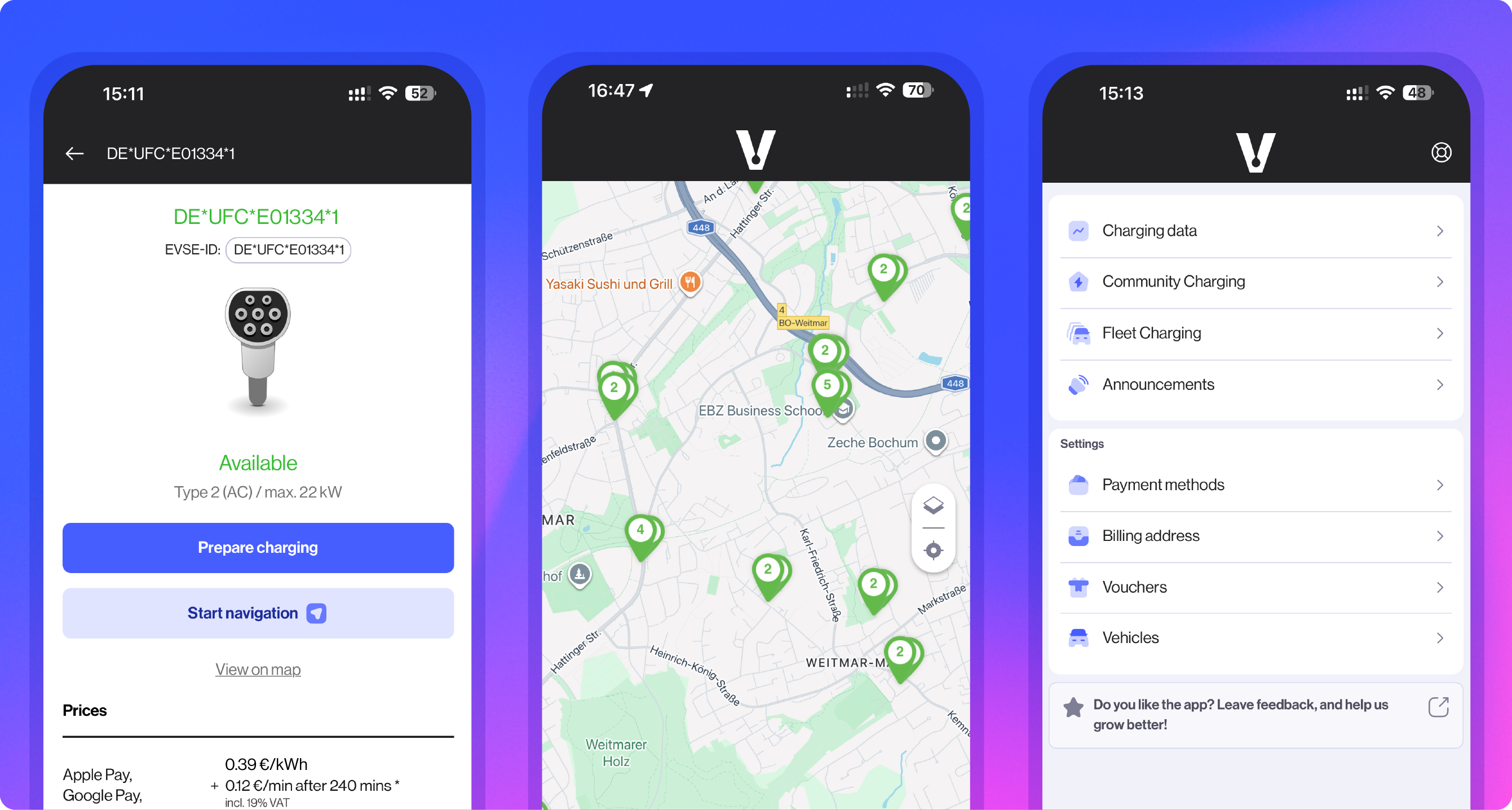
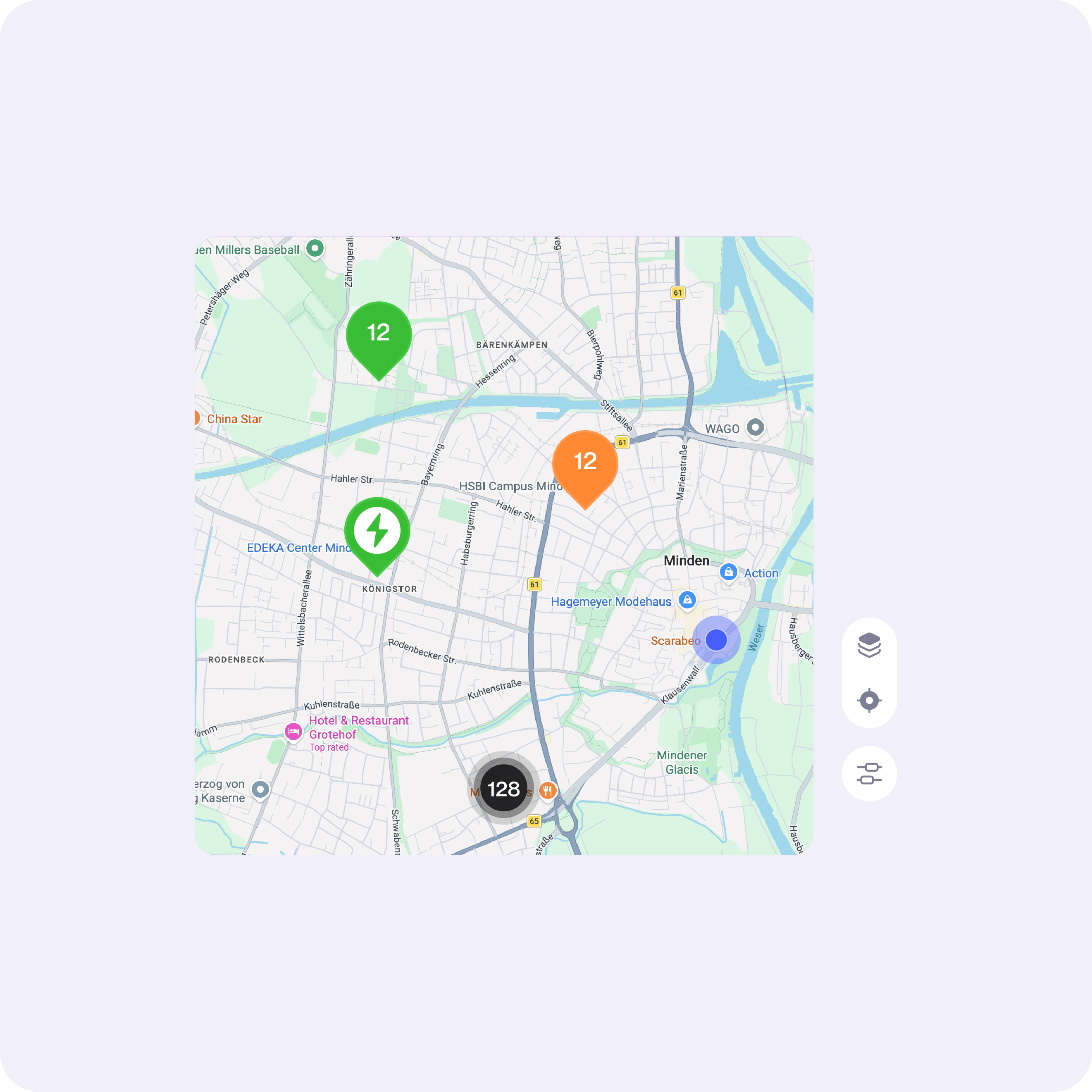
See nearby charging stations with real-time availability and pricing before you start, so you can choose where to charge and avoid unexpected costs.

Choose how to pay
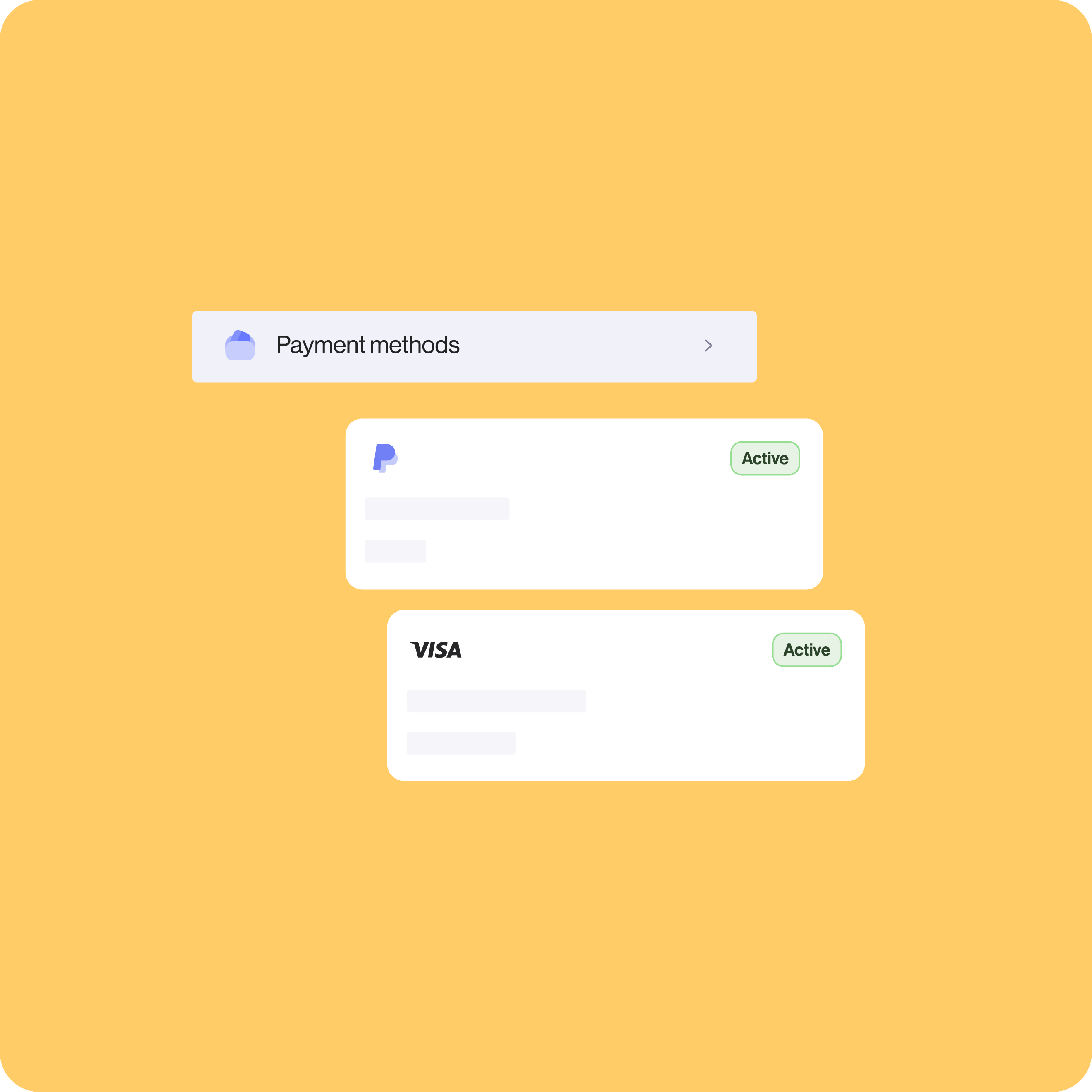
Pay directly with Apple Pay, Google Pay, PayPal and debit or credit cards. Just store your method once to make payments even smoother every time you charge. This is ideal if you charge often but don’t have an EV charging subscription.

Access charging with a driver contract
If your employer or site provides EV charging through vaylens, you can add your driver contract in the app and start sessions using your access, often at a discounted rate compared to public tariffs.
eCharge+ for businesses
For fleet operators
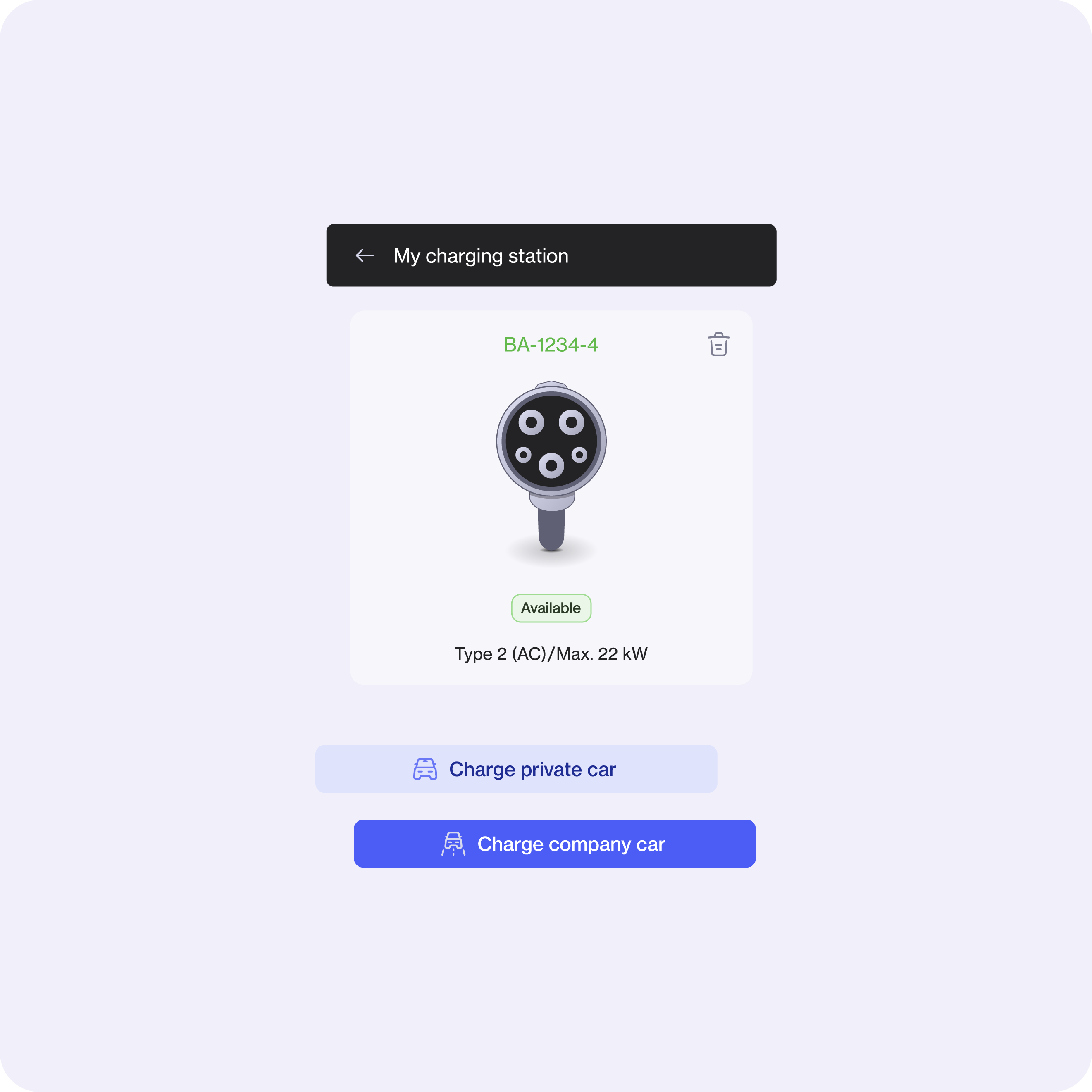
Give your fleet drivers one app to start and track charging sessions at home, at the depot and on public networks. All charging data is linked to your vaylens Portal to support reporting and reimbursements.
Already set up with the vaylens Portal and Fleet Charging module? Ask your drivers to download the app.
For workplaces
Invite employees or approved users to access your charging stations through eCharge+, with preferential tariffs, billing and payment collection handled automatically by vaylens.
Already set up with the vaylens Portal and Community Charging module? Ask your employees or approved visitors to download the app.
Remember, if you've enabled vaylens roaming, public users can still access your charging stations and pay directly, without needing the app.
FAQs
Yes, that's exactly what the app is designed for. vaylens’ eCharge+ app lets you find nearby public and semi-public charge points using your phone's location, and you can pay directly through the app using a credit card, PayPal, Giropay, Google Wallet or Apple Pay — no account or contract needed. You can also check in real time whether a charger is available, occupied, or out of service before you even pull in — handy for avoiding a wasted detour. If you already have an electricity contract with a mobility provider, you can link it to vaylens’ eCharge+ app (as long as your provider is a roaming partner with vaylens), so your charging sessions are billed under your existing contract terms rather than as one-off payments.
Pricing varies depending on who owns the charger you're using, not just vaylens. vaylens’ eCharge+ app gives you access to a wide network of charge points, but many of them are run by other operators who set their own tariffs. When you charge at one of those stations via a roaming arrangement, there's often a markup on top of the base rate — which can make certain sessions feel pricier than expected.
The best way to keep costs down is to link your personal electricity contract (via your EMAID) to vaylens’ eCharge+ app, if your provider is a roaming partner with vaylens. That way, you're billed under your existing contract rather than paying ad hoc rates, which tend to be higher.
It's also worth bearing in mind that what looks like an unexpectedly large charge might actually be a pre-authorisation — a temporary hold, not a real payment. See the next question for more on that.
A pre-authorisation is a temporary hold placed on your card at the start of a charging session — think of it a bit like a hotel holding a deposit when you check in.
Because the final cost of your charge isn't known until you've finished (it depends on how much energy you've used or how long you've been plugged in), vaylens places a hold of €50 on your payment method upfront, which is then settled against your actual session cost once charging is complete. So if your charging session only costs €12, you'll only be charged €12, and the rest is released back to you. The hold can occasionally show up as a "pending" transaction on your bank statement, and in some cases it may take up to four weeks to fully clear, depending on your bank. This is not a real charge — just your bank holding the funds in reserve until the final amount comes through.
An EMAID is essentially your personal EV charging contract number — it's what identifies you at a charge point and lets you authenticate charging sessions without having to pay each time by card. Here's how to add one to vaylens’ eCharge+ app:
- Make sure your EMAID has already been set up in vaylens. If you're doing this through an employer or mobility provider, they may have sorted this for you already.
- Open the eCharge+ app and tap the profile icon at the bottom of the screen.
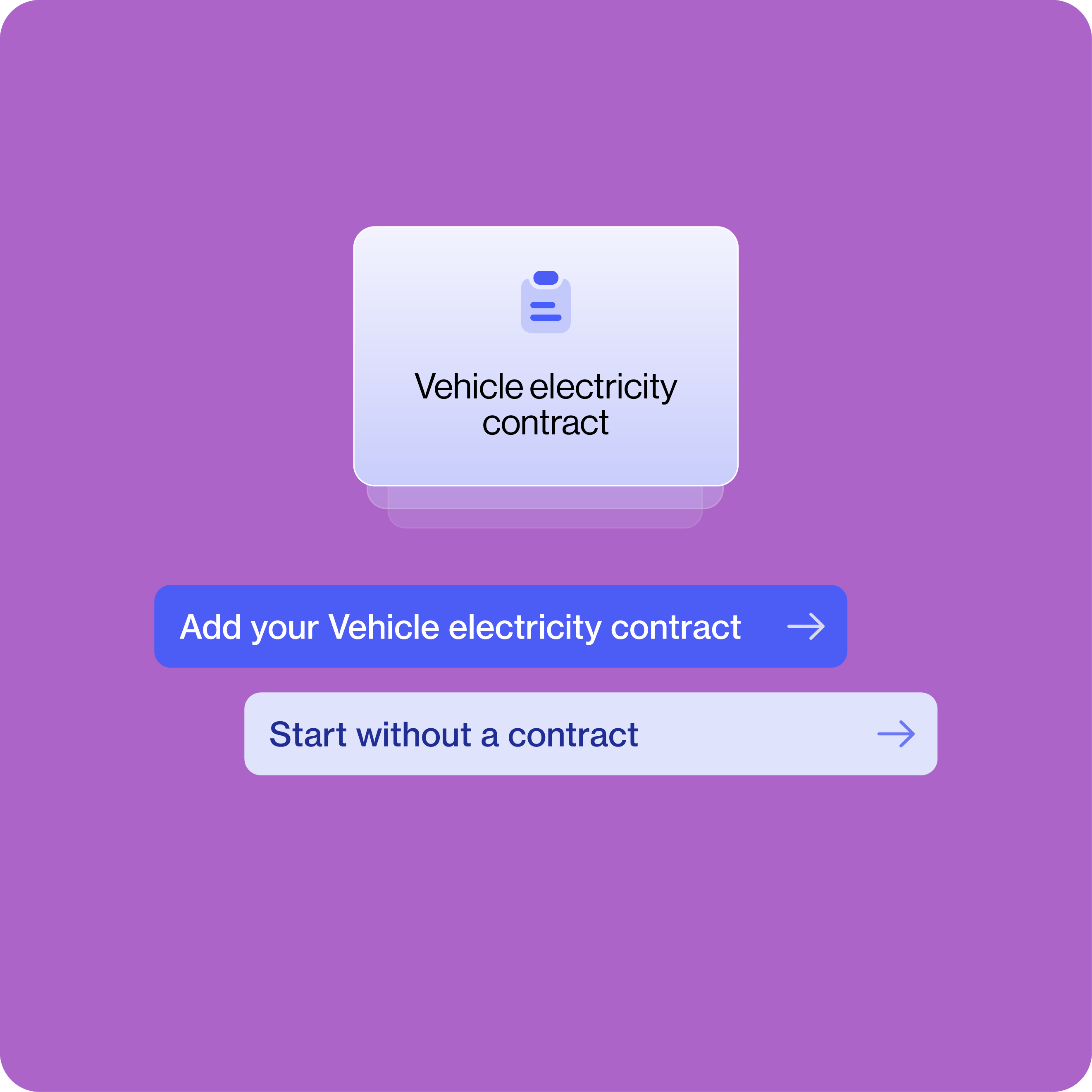
- Go to Payment methods > Vehicle electricity contract
- Enter your contract number/EMAID in the designated field. This will typically begin with a prefix like "DE-ISE" depending on your provider.
- Enter the password that was set when the EMAID was created in vaylens. [ask your employer/emobility provider]
- Tap "Add auto electricity contract" and you're done.
Once it's linked, you can view all your charging sessions in vaylens’ eCharge+ app — whether you started them through the app itself or by tapping an RFID card — all in one place.
This is part of vaylens' Fleet Charging module that lets your employer track and reimburse the cost of you charging at home. Here's how it works: You configure your charging station so that it can communicate with vaylens. You then link it through vaylens’ eCharge+ app on your phone. Once that's done, you can submit your home charging sessions and electricity price in the app to get them reimbursed by your employer or fleet manager.
Configure the EV charger locally with the correct OCPP settings. Depending on the competences and resources, either yourself, your employee or a technician can conduct this step.
Once this is done, your employees can proceed to link their EV charger to vaylens.
- Your employees use vaylens' online Home Charger Onboarder at Connection Test to check whether a connection to vaylens can be established.
- Once the connection attempt was successful, your employees download the PDF document containing the "claiming code" that's generated — they'll need this in the next step.
- Your employees use the claiming code to register (or "onboard") the EV charger in the eCharge+ app and upload their home energy contract.
Your task is then to approve their energy price. From there, reimbursements are handled automatically — vaylens tracks energy usage and tariffs, and payments can be processed with no manual claims needed. The end result is a tidy setup where you get full visibility of every charging session across home, workplace, and public locations in one centralised platform. If you get stuck at any point, let us know at help@emobility.software.
Partially, yes. vaylens offers simple branding options within your vaylens account, such as setting up your logo and colours. This means your branding can appear in the areas customers interact with through vaylens' tools, giving a more consistent feel to the experience you offer.That said, the eCharge+ app itself is vaylens' own product and isn't a fully white-labelled solution — so it won't carry your company name in the App Store, for instance.
What vaylens does support more comprehensively is branding across the billing and payment side: the full user flow in the ordering and payment process — including receipts sent by email — can be carried out in the look and feel of your business (= the charge point operator), so your (end) customers have the impression they're purchasing the charging service directly from you. This means existing trust in your brand transfers naturally to the new service.